Free Canonical Tag Checker
Verify your canonical tags are configured correctly. Enter any URL and we'll check for the canonical tag, validate it against SEO best practices, and flag potential duplicate content issues. Instant analysis, no signup required.
Check a page's canonical tag
Why Use This Tool
Canonical tags tell search engines which version of a page to index when the same content exists at multiple URLs. A missing or misconfigured canonical can split your ranking power across duplicate pages, diluting your SEO efforts. Our checker catches these issues in seconds.
- Instantly detects if your page has a canonical tag or is missing one
- Validates that canonicals use absolute URLs as recommended by Google
- Flags protocol mismatches that confuse search engine crawlers
- Catches duplicate canonical tags that create conflicting signals
- Verifies the canonical URL is accessible and not returning errors
What is a Canonical Tag?
A canonical tag is an HTML element that tells search engines which URL represents the "official" version of a page. It lives in the <head> section and looks like this:
<link rel="canonical" href="https://example.com/page" />When search engines find this tag, they understand that regardless of how someone reached the page, this specific URL should get credit for rankings and appear in search results.
Why Canonical Tags Matter for SEO
Consolidating Ranking Signals
When the same content exists at multiple URLs, any backlinks, social shares, and engagement metrics get scattered across those versions. A canonical tag consolidates these signals to your preferred URL, concentrating ranking power instead of diluting it.
Crawl Budget Efficiency
Search engines allocate limited resources to crawl each site. If they spend time crawling duplicate pages, they have less budget for your unique content. Proper canonicals help crawlers focus on what matters.
Preventing Keyword Cannibalization
When multiple URLs compete for the same keywords, search engines must choose which to show. They might pick the wrong one, or worse, see both as lower quality due to perceived duplication. Canonicals eliminate this guesswork.
Common Canonical Tag Mistakes
Missing Canonical Tags
Without a canonical, you're leaving search engines to figure out your preferred URL on their own. They usually get it right, but "usually" isn't good enough for important pages.
Relative URLs
Writing href="/page" instead of the full URL can cause problems. While most search engines handle relative URLs, Google explicitly recommends absolute URLs for canonicals.
HTTP/HTTPS Mismatch
If your site runs on HTTPS but your canonical tags specify HTTP URLs, you're sending mixed signals. Always match the canonical protocol to your site's actual protocol.
Multiple Canonical Tags
Some sites accidentally include more than one canonical tag, often from plugins or themes. Multiple canonicals create conflicting instructions and search engines may ignore them all.
Canonical to Redirected URL
If your canonical points to a URL that redirects, search engines must follow the redirect. Point canonicals directly to the final, non-redirecting URL.
Best Practices
DO:
- ✓ Add a self-referencing canonical to every indexable page
- ✓ Use absolute URLs with the correct protocol
- ✓ Keep canonicals consistent with your sitemap
- ✓ Update canonicals when you restructure URLs
- ✓ Verify canonicals point to accessible pages
- ✓ Use cross-domain canonicals when syndicating content
DON'T:
- ✗ Use canonicals to point to different content
- ✗ Mix HTTP and HTTPS in your canonicals
- ✗ Create canonical chains (A → B → C)
- ✗ Add canonicals to noindex pages
- ✗ Forget to update after site migrations
- ✗ Use relative URLs in canonical tags
Frequently asked questions
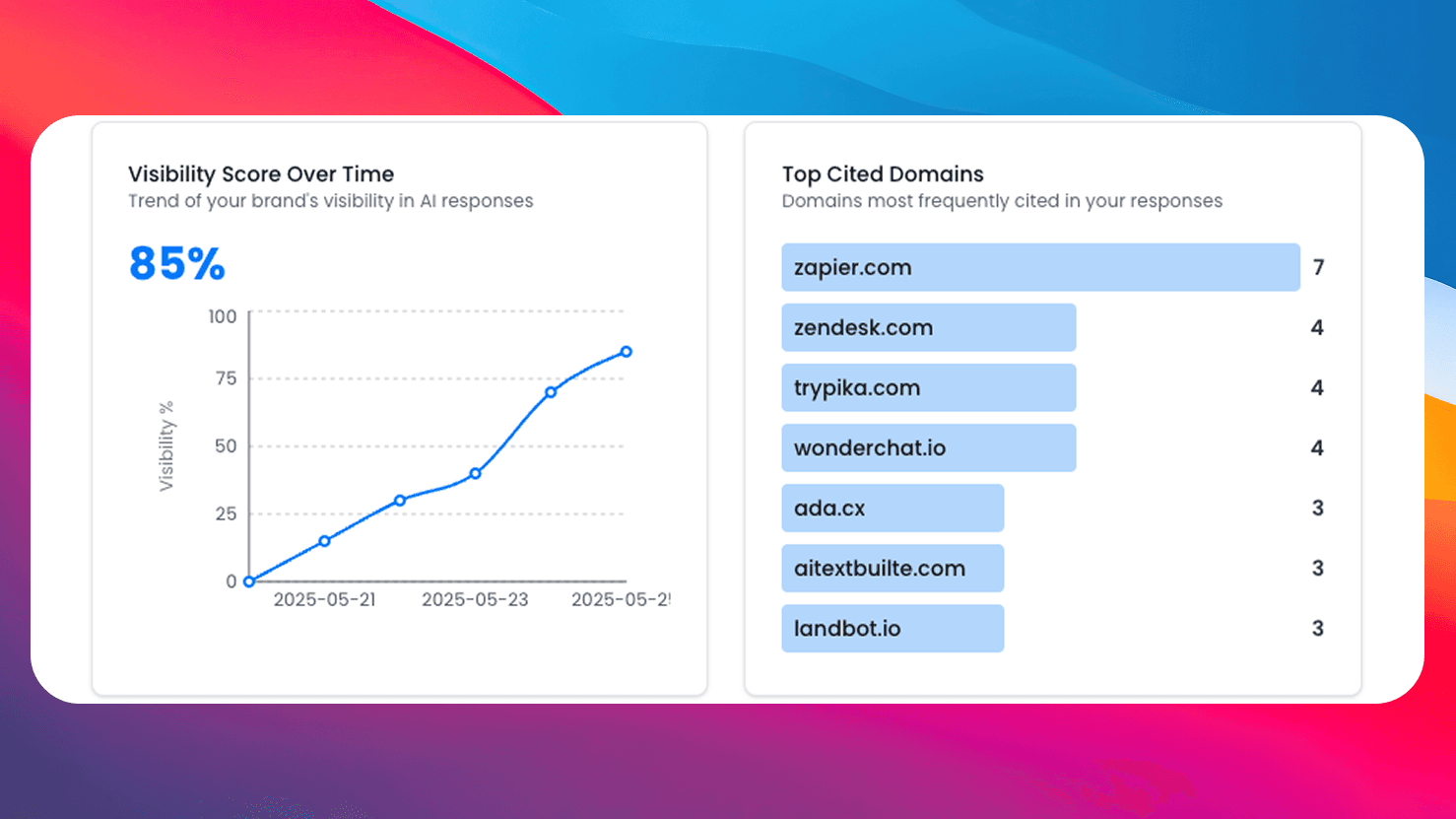
Need More Than Free Tools?
Get comprehensive AI monitoring, analytics, and insights with SEO Forge. Track how AI models mention your brand across the web.
Try SEO ForgeInstant Analysis
Enter any URL and get a full canonical tag audit in seconds.
Comprehensive Checks
Validates absolute URLs, protocol match, accessibility, and more.
Actionable Fixes
Get specific recommendations for every issue found.
100% Free
No signup, no limits. Check as many pages as you need.