Free Heading Checker (H1-H6)
Analyze your page's heading structure in seconds. Enter any URL and we'll check for missing H1 tags, duplicate headings, hierarchy issues, and empty tags. Instant analysis with actionable SEO recommendations. No signup required.
Check a page's heading structure
Why Use This Tool
Heading tags (H1-H6) are one of the most important on-page SEO elements. They tell search engines how your content is structured and which topics matter most. A missing H1, duplicate H1s, or skipped heading levels can confuse crawlers and hurt your rankings. Our checker scans your page and flags these issues instantly.
- Instantly detects if your page has an H1 tag or is missing one entirely
- Flags duplicate H1 tags that compete for primary topic relevance
- Checks heading hierarchy for skipped levels that break document structure
- Identifies empty heading tags that clutter the outline with no SEO value
- Visualizes your full heading tree so you can see the content structure at a glance
What Are Heading Tags?
Heading tags are HTML elements (H1 through H6) that define the titles and subtitles on a web page. They create a hierarchical outline of your content, similar to how a book uses chapters, sections, and subsections.
The H1 is the main title of the page — the most important heading. H2 tags define major sections under the H1. H3 tags break down H2 sections into subsections. This pattern continues through H4, H5, and H6, though most pages rarely need anything beyond H3 or H4.
<h1>Main Page Title</h1>
  <h2>First Major Section</h2>
    <h3>Subtopic Under First Section</h3>
    <h3>Another Subtopic</h3>
  <h2>Second Major Section</h2>
    <h3>Subtopic</h3>
Search engines parse this structure to understand the relationships between topics on your page. Screen readers use headings to let visually impaired users navigate content. Both depend on a logical, sequential hierarchy.
Why Heading Structure Matters for SEO
Signaling Content Relevance
The H1 tag carries the most weight among on-page elements. Google uses it to understand the primary topic of the page. Without an H1, or with a vague one, that signal is weaker. H2 and H3 tags reinforce the H1 by defining subtopics.
Improving User Experience
Headings are visual anchors. Readers scan headings to decide whether a page has what they need before committing to reading. Pages with clear heading structure have lower bounce rates because users can quickly find the section relevant to them.
Featured Snippets and AI Overviews
Google frequently pulls content from pages with clear heading structure for featured snippets. AI Overviews also favor well-structured content. The heading hierarchy helps AI models parse sections and extract relevant answers.
Accessibility
Screen readers announce headings and their levels, allowing users to jump between sections. A page with proper heading hierarchy is navigable. A page where headings skip from H1 to H4 creates a confusing experience for assistive technology users.
Common Heading Mistakes
Missing H1 Tag
The most basic error. Every indexable page should have exactly one H1 that clearly describes its main topic. Some themes or page builders hide the H1 or replace it with a styled div.
Multiple H1 Tags
HTML5 technically allows multiple H1 tags within sectioning elements, but Google has repeatedly recommended using a single H1. Multiple H1s dilute the primary topic signal.
Skipping Heading Levels
Jumping from H1 to H3, or H2 to H4, breaks the logical hierarchy. The correct pattern is always sequential: H1 → H2 → H3. You can jump back up but never skip down.
Using Headings for Styling
Some developers use heading tags to make text bigger or bolder, rather than to define structure. Use CSS for styling. Use headings for structure.
Empty Heading Tags
Empty heading tags appear when CMS templates include heading elements that aren't filled in. They add noise to the document outline and confuse screen readers.
Overly Long Headings
Headings should be concise labels, not paragraphs. Keep H1 tags between 45–60 characters for best results, and subheadings even shorter.
Best Practices
DO:
- ✓ Use exactly one H1 per page that describes the main topic
- ✓ Follow a sequential hierarchy: H1 → H2 → H3 (never skip levels)
- ✓ Include your primary keyword naturally in the H1
- ✓ Use H2s for major sections and H3s for subsections
- ✓ Keep headings concise and descriptive (45–60 characters for H1)
- ✓ Make headings scannable — readers should understand the page from headings alone
DON'T:
- ✗ Use multiple H1 tags on the same page
- ✗ Skip heading levels (H1 → H3 or H2 → H4)
- ✗ Use heading tags just for visual styling (use CSS instead)
- ✗ Leave empty heading tags in the HTML
- ✗ Stuff keywords into every heading unnaturally
- ✗ Use headings for navigation menus, sidebar widgets, or footer content
Frequently asked questions
Need More Than Free Tools?
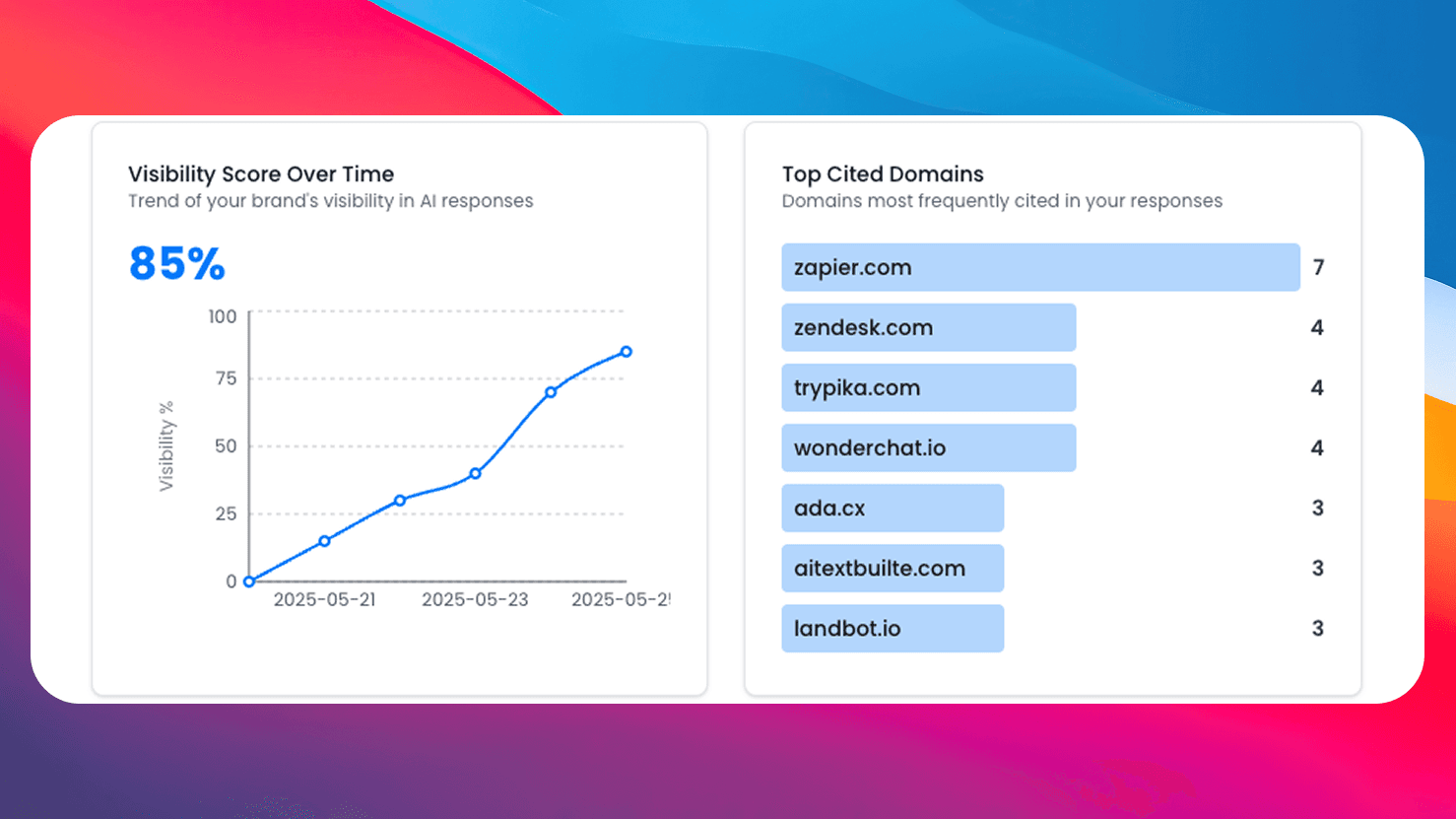
Get comprehensive AI monitoring, analytics, and insights with SEO Forge. Track how AI models mention your brand across the web.
Try SEO ForgeInstant Analysis
Enter any URL and get a full heading structure audit in seconds.
Visual Heading Tree
See your heading hierarchy as an indented tree with issue annotations.
Actionable Fixes
Get specific recommendations for every heading issue found.
100% Free
No signup, no limits. Check as many pages as you need.