Free Meta Tag Checker
See exactly what search engines and social platforms see. Enter any URL and we'll scan every meta tag — title, description, Open Graph, X (Twitter) Cards, robots directives, and more. Instant results, no signup required.
Check a page's meta tags
Why Use This Tool
Meta tags are the first thing search engines read and the first impression users get in search results and social shares. A missing title tag means lost clicks. Missing Open Graph tags mean ugly social previews. A stray noindex tag means invisible pages. Our checker scans everything in your <head> and tells you exactly what's working and what needs fixing.
- Checks all essential SEO tags — title, description, robots, canonical, viewport, and charset
- Validates Open Graph tags so your pages look great when shared on Facebook and LinkedIn
- Checks X (Twitter) Card tags for rich previews when shared on X
- Flags noindex directives from both meta tags and X-Robots-Tag server headers
- Detects duplicate and conflicting tags caused by plugin or CMS conflicts
- Shows character counts for title and description truncation
- Expandable raw view of every tag found in your <head> for easy debugging
What Are Meta Tags?
Meta tags are HTML elements placed inside the <head> section of a web page. They don't appear visually on the page itself, but they provide information about the page to search engines, social media platforms, and browsers.
Each tag serves a distinct purpose: telling Google what your page is about, telling Facebook what image to show when someone shares your link, telling browsers how to render the page on mobile, and more.
Why Meta Tags Matter for SEO
Title Tags Drive Click-Through Rates
The title tag is arguably the most important on-page SEO element. It appears as the blue clickable link in search results. A well-crafted title with targeted keywords can dramatically improve click-through rates.
Meta Descriptions Sell the Click
While Google says meta descriptions don't directly affect rankings, they absolutely affect click-through rate. The description appears below the title in search results — it's your 155-character sales pitch.
Social Tags Control Your Brand Appearance
Every time someone shares your URL on Facebook, LinkedIn, X, Slack, or messaging apps, those platforms look for Open Graph and X (Twitter) Card tags to build the preview. Without these tags, platforms produce an unattractive preview that nobody wants to click.
Robots Tags Control Indexing
A single noindex tag prevents a page from appearing in search results entirely. There's also the X-Robots-Tag HTTP response header, which does the same thing at the server level. Leftover noindex tags from staging are one of the most common technical SEO mistakes.
Best Practices
DO:
- ✓ Write a unique title tag (45-60 characters) for every indexable page
- ✓ Write a compelling meta description (135-155 characters) with a call-to-action
- ✓ Include Open Graph tags on every page
- ✓ Add a viewport meta tag for mobile rendering
- ✓ Declare charset as UTF-8
- ✓ Check both meta robots and X-Robots-Tag headers
- ✓ Audit meta tags regularly after CMS updates
DON'T:
- ✗ Use the same title across multiple pages
- ✗ Leave noindex tags on pages that should rank
- ✗ Run multiple SEO plugins that generate duplicate tags
- ✗ Use relative URLs in og:image, og:url, or canonical tags
- ✗ Forget to update meta tags when content changes
- ✗ Use meta keywords tag (search engines ignore it)
- ✗ Block viewport zooming with user-scalable=no
Frequently asked questions
Need More Than Free Tools?
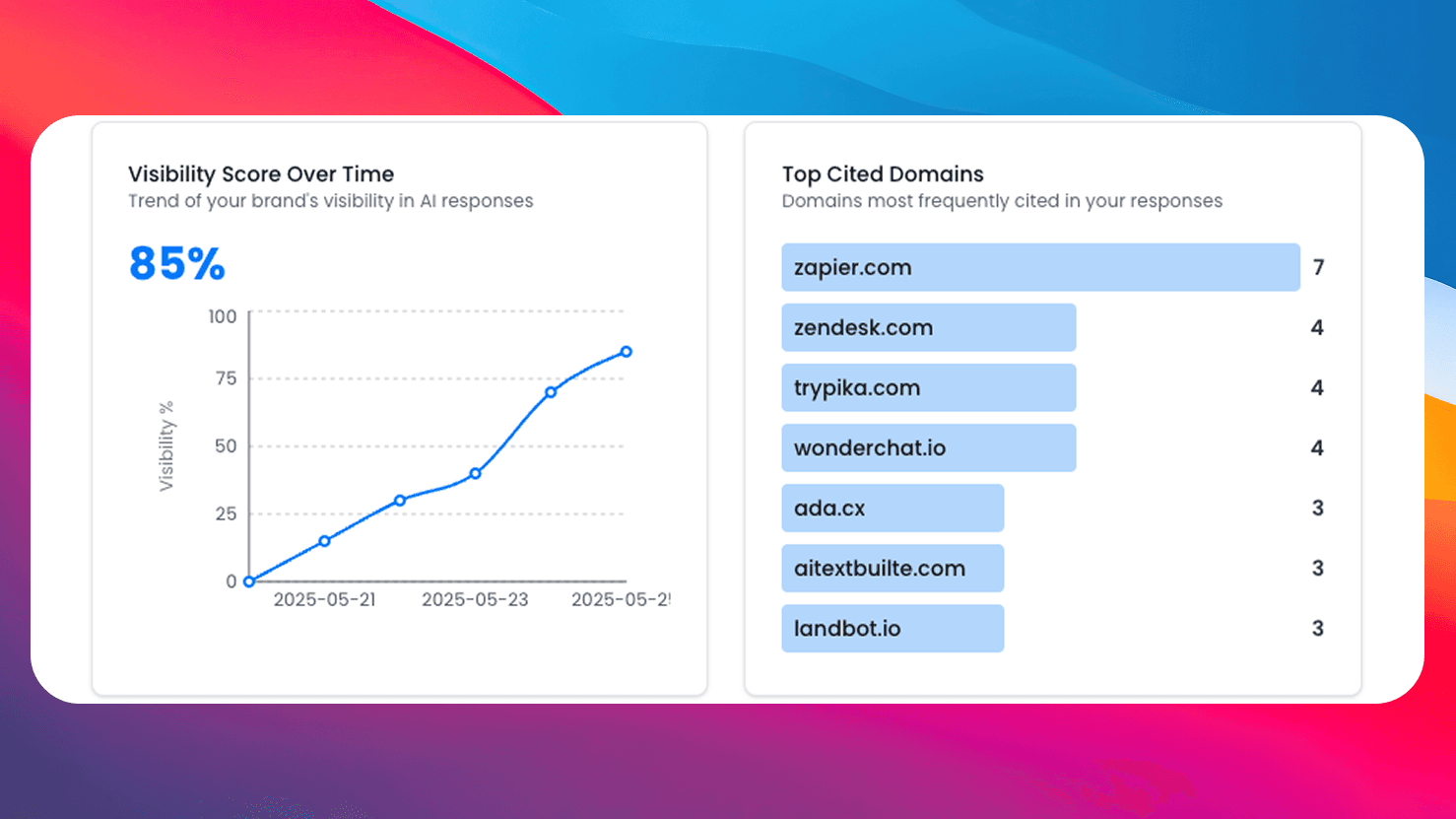
Get comprehensive AI monitoring, analytics, and insights with SEO Forge. Track how AI models mention your brand across the web.
Try SEO ForgeAll-in-One Audit
Checks title, description, OG, X Cards, robots, viewport, and more in one scan.
Noindex Detection
Catches noindex from both meta tags and X-Robots-Tag server headers.
Duplicate Finder
Detects duplicate tags caused by plugin or CMS conflicts.
100% Free
No signup, no limits. Check as many pages as you need.