Free Redirect Checker
Trace the full redirect path of any URL. See every hop, status code, and response time from start to final destination. Spot redirect chains, loops, and broken redirects instantly. No signup required.
Trace a URL's redirect chain
Why Use This Tool
Redirect issues are silent SEO killers. A long redirect chain adds latency and hurts crawl efficiency. A redirect loop makes your page completely inaccessible. A 302 used instead of a 301 sends a weaker canonicalization signal to search engines. Our checker traces the entire path from input URL to final destination so you can see exactly what's happening.
- Traces the full redirect chain from start to final destination with every hop visible
- Shows the exact status code at each step — 301, 302, 307, 308, or error
- Detects redirect loops that make pages completely inaccessible
- Flags HTTPS to HTTP downgrades that break secure connections
- Measures response time per hop and total so you can spot slow chains
What Is a URL Redirect?
A URL redirect tells browsers and search engines that a page has moved to a different address. When someone visits the old URL, the server automatically sends them to the new one. This happens before the page loads, usually in milliseconds.
The redirect itself is an HTTP response. Instead of returning the page content (status 200), the server returns a 3xx status code and a Location header pointing to the new URL. The browser reads this, then makes a new request to the URL in the Location header.
Redirect Status Codes Explained
301 — Moved Permanently
The most common redirect for SEO. Tells search engines the page has permanently moved and to transfer ranking signals to the new URL. Use for domain migrations, slug changes, and HTTPS upgrades.
302 — Found (Temporary)
Tells search engines the move is temporary. Use only when you genuinely plan to bring the original URL back, like during A/B testing or temporary maintenance. Using 302 for permanent moves sends a weaker canonicalization signal.
307 — Temporary Redirect
Similar to 302, but guarantees the HTTP method (GET, POST) is preserved. Used in technical scenarios where method preservation matters.
308 — Permanent Redirect
The permanent equivalent of 307. Like 301 but guarantees method preservation. Less common in practice, but technically more correct for POST requests.
Why Redirect Chains Hurt SEO
Crawl Efficiency
Search engines allocate limited resources to crawl each site. Every redirect hop consumes a crawl request. A 4-hop chain means Google uses 4 requests to find one page.
Slower Page Load
Each redirect adds a full HTTP round-trip — DNS lookup, TCP connection, SSL handshake, and server response time. A chain of 4 redirects can add over a second before the page starts loading.
Best Practices
DO:
- ✓ Use 301 for all permanent URL changes
- ✓ Redirect directly to the final destination
- ✓ Audit redirect chains regularly
- ✓ Update internal links to point to final URLs
- ✓ Redirect HTTP to HTTPS in a single hop
- ✓ Test redirects after server config changes
DON'T:
- ✗ Use 302 for permanent moves
- ✗ Let redirect chains grow beyond 1 hop
- ✗ Create conflicting redirect rules
- ✗ Redirect to URLs that return errors
- ✗ Redirect HTTPS to HTTP destinations
- ✗ Forget to update redirects during migrations
Frequently asked questions
Need More Than Free Tools?
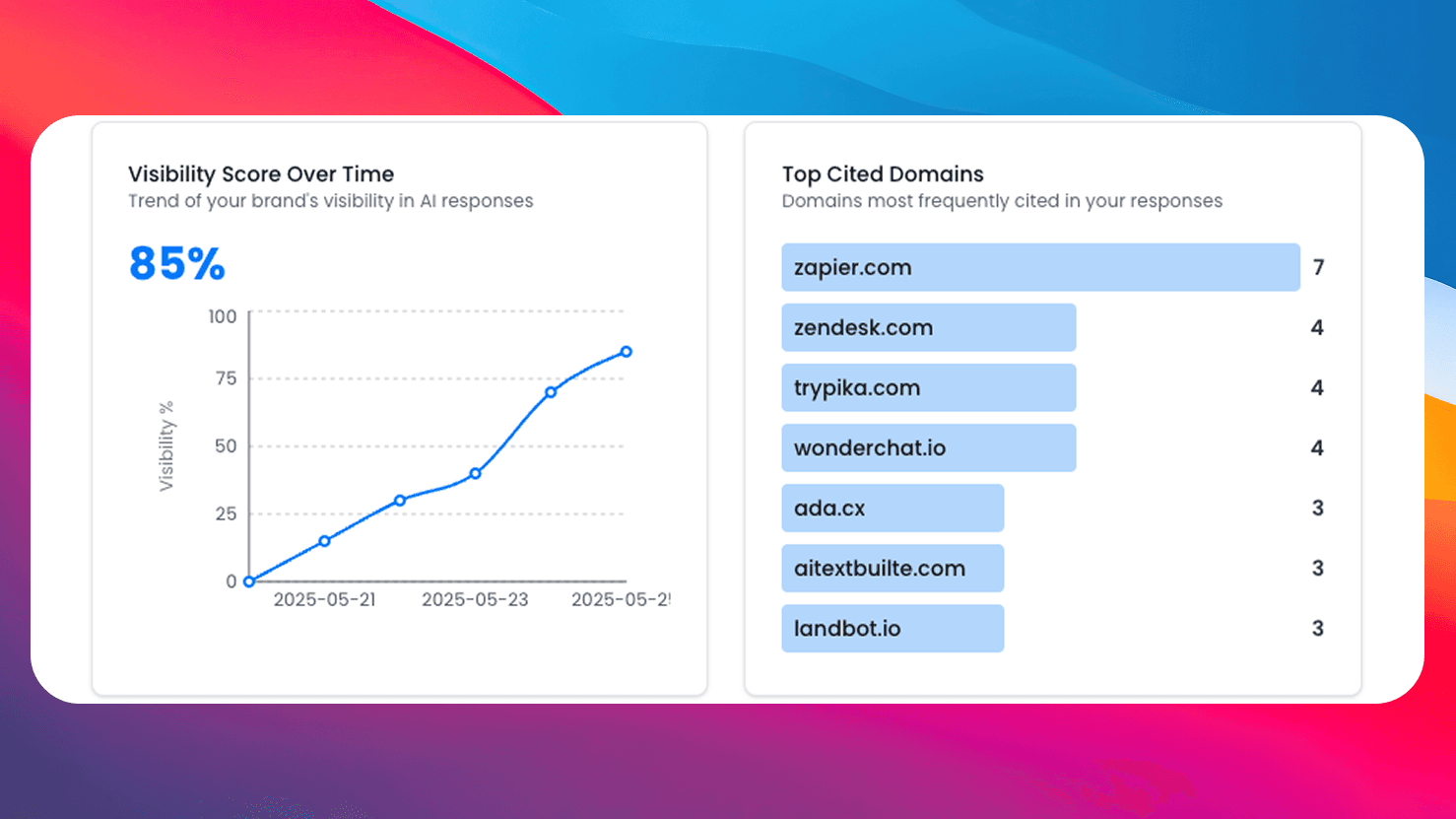
Get comprehensive AI monitoring, analytics, and insights with SEO Forge. Track how AI models mention your brand across the web.
Try SEO ForgeFull Chain Trace
See every redirect hop from start to final destination.
Loop Detection
Instantly detects redirect loops that make pages inaccessible.
Status Code Analysis
Shows exact status codes — 301, 302, 307, 308 — at each step.
100% Free
No signup, no limits. Check as many URLs as you need.