Free Robots.txt Tester & Validator
Check if your robots.txt file is working correctly. Enter any URL and we'll fetch your file, validate the syntax, identify potential crawl issues, and show you exactly what search engines see. Instant results, no signup needed.
Enter your website URL
Why Use This Tool
Your robots.txt file is the first thing search engines read when they visit your site. A single typo or misconfigured rule can accidentally block your most important pages from appearing in search results. Our tester catches these issues before they hurt your traffic.
- Validates syntax line-by-line to catch formatting errors that break your rules
- Checks for common mistakes like blocking CSS/JS files that hurt rendering
- Verifies your sitemap is properly declared so crawlers find all your pages
- Shows warnings if you're accidentally blocking major search engines
- Preview exactly how Googlebot and other crawlers interpret your file
What is a Robots.txt File?
A robots.txt file is a simple text file at your website's root (e.g., example.com/robots.txt) that tells search engine crawlers which pages they can and can't access. Think of it as both a welcome mat and a bouncer: it shows crawlers where to go and what's off-limits.
Despite its simplicity, this file carries weight. A misplaced character can hide your entire site from Google, while a well-configured file helps crawlers focus on your most valuable content.
Why Your Robots.txt Matters for SEO
Crawl Budget Optimization
Every site gets a crawl budget: how many pages search engines will crawl in a given timeframe. Wasting crawl budget on admin panels, duplicate content, or staging pages means less attention on pages you actually want ranked.
Protecting Sensitive Areas
While robots.txt isn't a security measure, it prevents search engines from indexing areas like admin dashboards, user account pages, or staging environments.
Declaring Your Sitemap
Your robots.txt is the standard place to tell crawlers where your XML sitemap lives. This helps them discover all your pages efficiently.
Robots.txt Syntax Guide
User-agent
Specifies which crawler the following rules apply to. Use * as a wildcard for all crawlers, or name specific bots like Googlebot or Bingbot.
Disallow
Tells crawlers not to access specific paths. Disallow: /admin/ blocks the entire admin directory. Disallow: / blocks the entire site.
Allow
Permits access to specific paths within a broader blocked area. Useful for exceptions.
Sitemap
Declares where your XML sitemap is located. You can list multiple sitemaps.
Common Robots.txt Mistakes
Blocking Your Entire Site
Adding "Disallow: /" under "User-agent: *" blocks every search engine from every page. Sites have lost all organic traffic because of this single line.
Blocking CSS and JavaScript
If you block /css/ or /js/ folders, search engines can't render your pages properly. Google specifically warns against this.
Typos in Directive Names
Writing "Dissallow" instead of "Disallow" means the rule is ignored entirely. The parser doesn't throw errors; it just skips lines it doesn't understand.
Missing Trailing Slashes
"Disallow: /admin" only blocks the exact path while "Disallow: /admin/" blocks the entire directory. This distinction matters.
Frequently asked questions
Need More Than Free Tools?
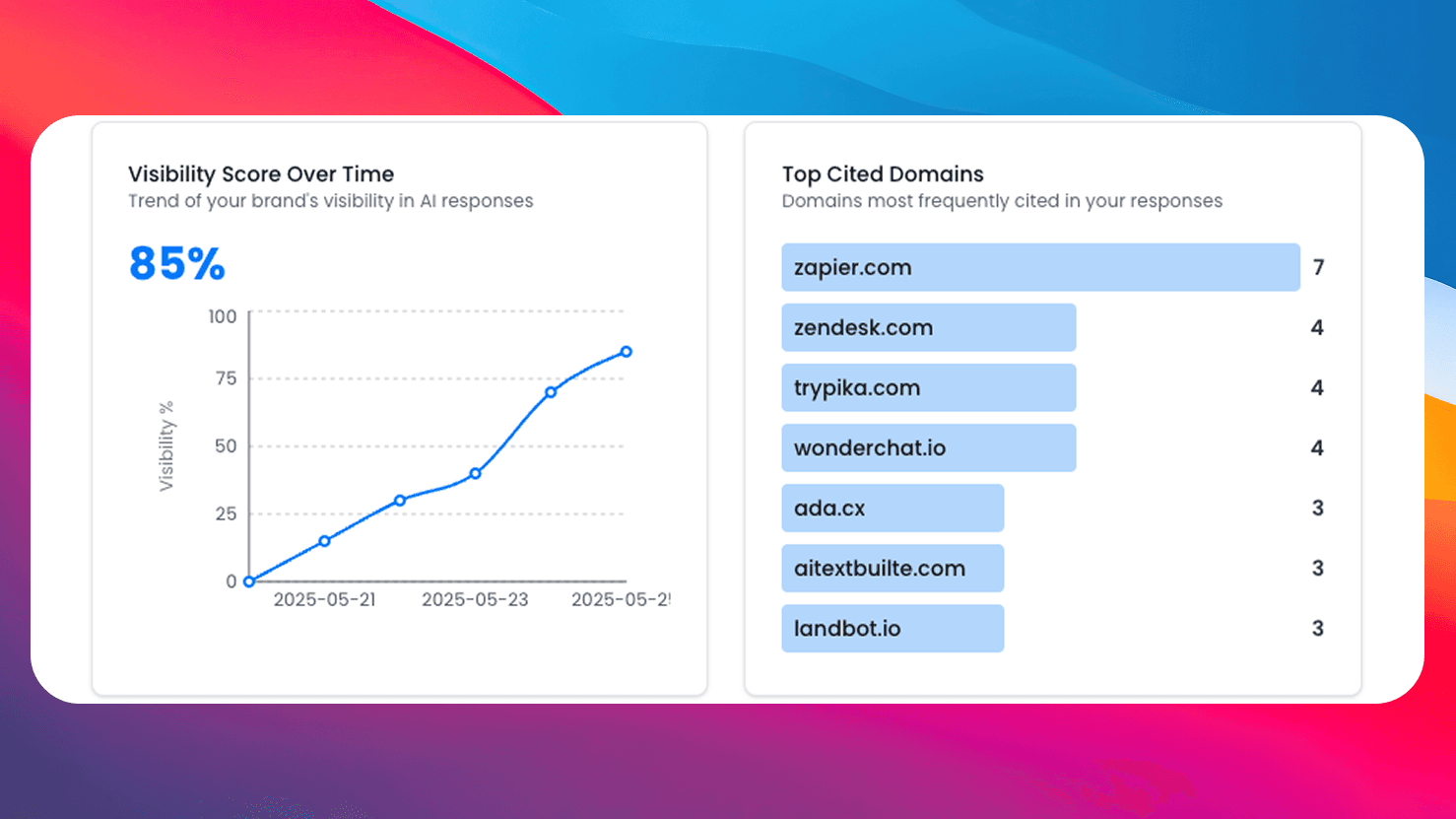
Get comprehensive AI monitoring, analytics, and insights with SEO Forge. Track how AI models mention your brand across the web.
Try SEO ForgeInstant Validation
Get line-by-line syntax analysis and identify issues before they affect crawling.
Sitemap Detection
Verify your sitemap is properly declared for automatic discovery by crawlers.
Accessibility Check
Ensure you're not accidentally blocking search engines from your content.
100% Free
No signup, no limits. Test as many robots.txt files as you need.