Free XML Sitemap Checker & Validator
Validate your sitemap in seconds. Enter your sitemap URL or let us auto-detect it. We'll check the XML structure, analyze your URLs, verify everything's accessible, and flag any issues holding back your indexing.
Enter your sitemap or website URL
Why Use This Tool
Your XML sitemap tells search engines which pages exist and when they were last updated. But a sitemap with errors, broken URLs, or missing dates can hurt your indexing instead of helping it. Our checker validates everything so you know crawlers are getting accurate information.
- Validates XML structure to catch syntax errors that make your sitemap unreadable
- Checks URL count against the 50,000 limit and file size against 50MB maximum
- Identifies missing or outdated lastmod dates that affect crawl prioritization
- Tests sample URLs to ensure they're accessible and not returning errors
- Supports sitemap index files and analyzes all child sitemaps in one scan
- Preview exactly what search engines see when they read your sitemap
What is an XML Sitemap?
An XML sitemap is a file that lists the important pages on your website in a format search engines understand. Instead of making crawlers wander through your site following links, you hand them a complete inventory of what to index.
Each entry includes the page URL and can optionally specify when it was last updated, how often it changes, and its relative priority. Most CMS platforms generate sitemaps automatically.
Why Sitemaps Matter for SEO
Faster Discovery
When you publish new content, your sitemap signals that it exists. Many CMS platforms ping search engines automatically when the sitemap updates.
Complete Coverage
Every site has orphaned pages with few or no internal links pointing to them. Your sitemap ensures every page you want indexed has a direct path to discovery.
Crawl Prioritization
The lastmod field helps search engines decide what to crawl first. A recent lastmod date signals that a page deserves fresh attention over pages that haven't changed in months.
Types of Sitemaps
Standard XML Sitemap
Lists regular web pages. Limited to 50,000 URLs and 50MB per file. Uses <urlset> as the root element.
Sitemap Index
References multiple child sitemaps. Use when you exceed 50,000 URLs or want to organize by content type. Uses <sitemapindex> as the root element.
Image Sitemap
Extends the standard format with image-specific tags. Helps Google discover images that might not be found through page crawling.
Video Sitemap
For video content. Includes title, description, duration, thumbnail URL, and other video metadata.
Submitting Your Sitemap
Google Search Console
Sign in, select your property, navigate to Sitemaps in the left menu, enter your sitemap URL, and click Submit. Google will show submission status and any errors.
Robots.txt Declaration
Add Sitemap: https://example.com/sitemap.xml to your robots.txt file. This ensures all compliant crawlers discover your sitemap automatically.
Best Practices
DO:
- ✓ Keep sitemaps under 50,000 URLs and 50MB
- ✓ Include accurate lastmod dates
- ✓ Use absolute URLs with consistent protocol
- ✓ Match URLs to canonical tags exactly
- ✓ Validate after any structural changes
DON'T:
- ✗ Include URLs blocked by robots.txt
- ✗ Include noindex pages
- ✗ List non-canonical URL variations
- ✗ Let your sitemap become stale
- ✗ Forget to update lastmod on changes
Frequently asked questions
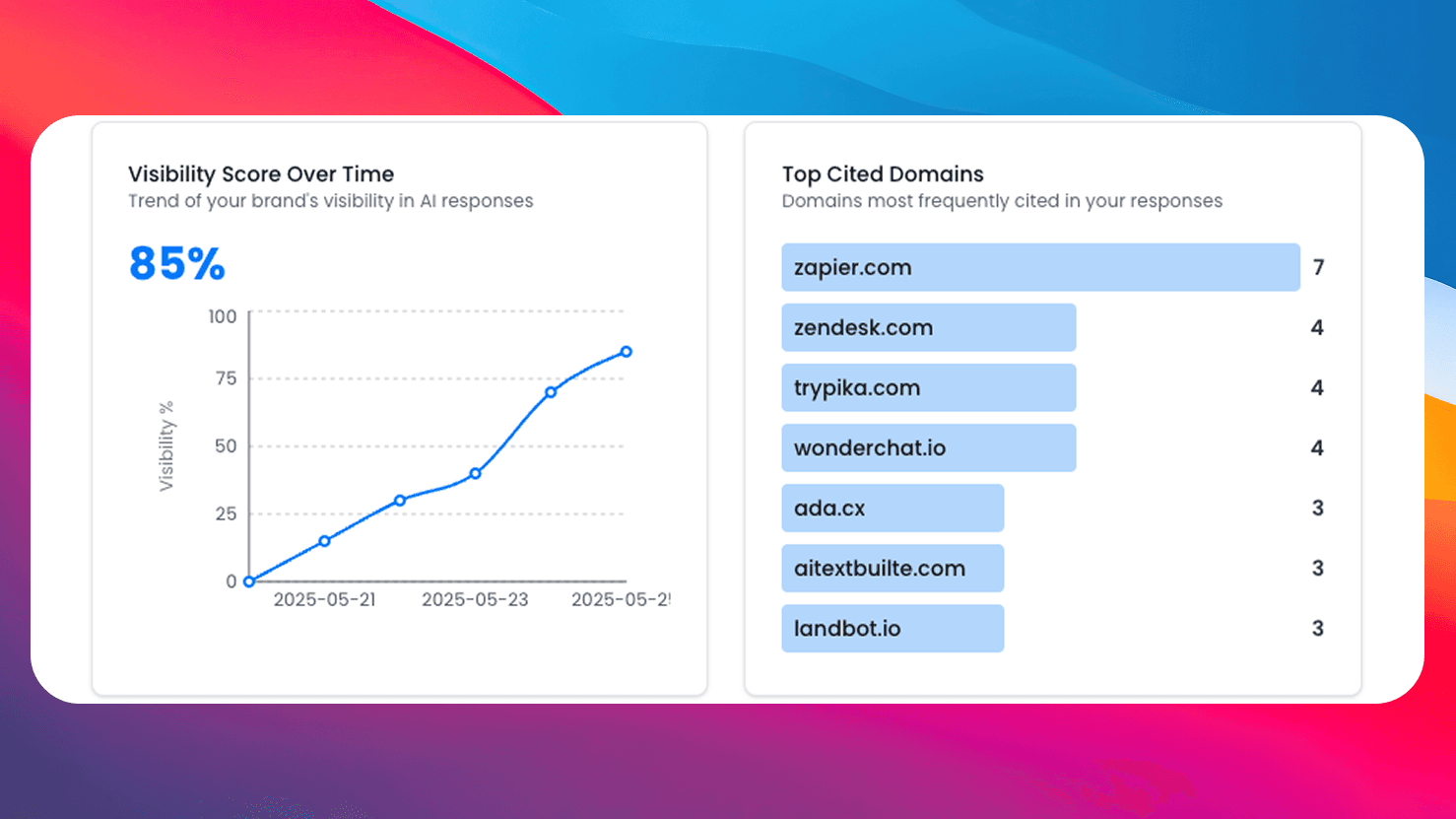
Need More Than Free Tools?
Get comprehensive AI monitoring, analytics, and insights with SEO Forge. Track how AI models mention your brand across the web.
Try SEO ForgeAuto-Detection
Enter any URL and we'll automatically find your sitemap by checking robots.txt and common paths.
Health Score
Get an overall health score based on XML validity, URL count, dates, and accessibility.
URL Sampling
We test sample URLs from your sitemap to verify they're actually accessible.
100% Free
No signup, no limits. Check as many sitemaps as you need.